VS32 IDE – Integrated Development Environment for VS32 MCU
Eclipse-based, GCC-powered — everything you need from first code to production flash






3
OS Platforms Supported
GCC
Open-source Toolchain
FREE
No Licence Fee
RTOS
Ready BSP & Templates
IDE Capabilities
Everything in One Install
Code Editor & Toolchain
Syntax highlighting, code folding, intelligent auto-complete, and integrated GCC compiler with ARM Cortex-M optimised flags. Supports C, C++, and Assembly for VS32 targets.
Integrated Debug & Flash
One-click launch of GDB debug session over JTAG/SWD via VSLink or OpenOCD. Hardware breakpoints, watchpoints, live variable watch, and memory viewer built in.
Project Templates & BSP
Ready-to-run project wizards for bare-metal, FreeRTOS, and VS32 SDK. Includes full board support packages, driver libraries, and worked example applications.
Static Analysis & Code Metrics
Integrated Cppcheck-based static analyser flags potential bugs and undefined behaviour. Stack usage and code size reports help optimise for constrained targets.
Version Control Integration
Native Git support via EGit plugin — commit, branch, merge, and push without leaving the IDE. Works with GitHub, GitLab, Bitbucket, and self-hosted repositories.




Free to Download
Get VS32 IDE for Your Platform
Download links are provided after a short registration. Contact us if you need a direct link or volume licence.
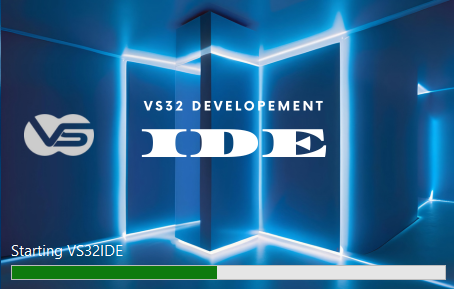
Splash Screen
VS32 IDE launches with a clean branded splash on first open.
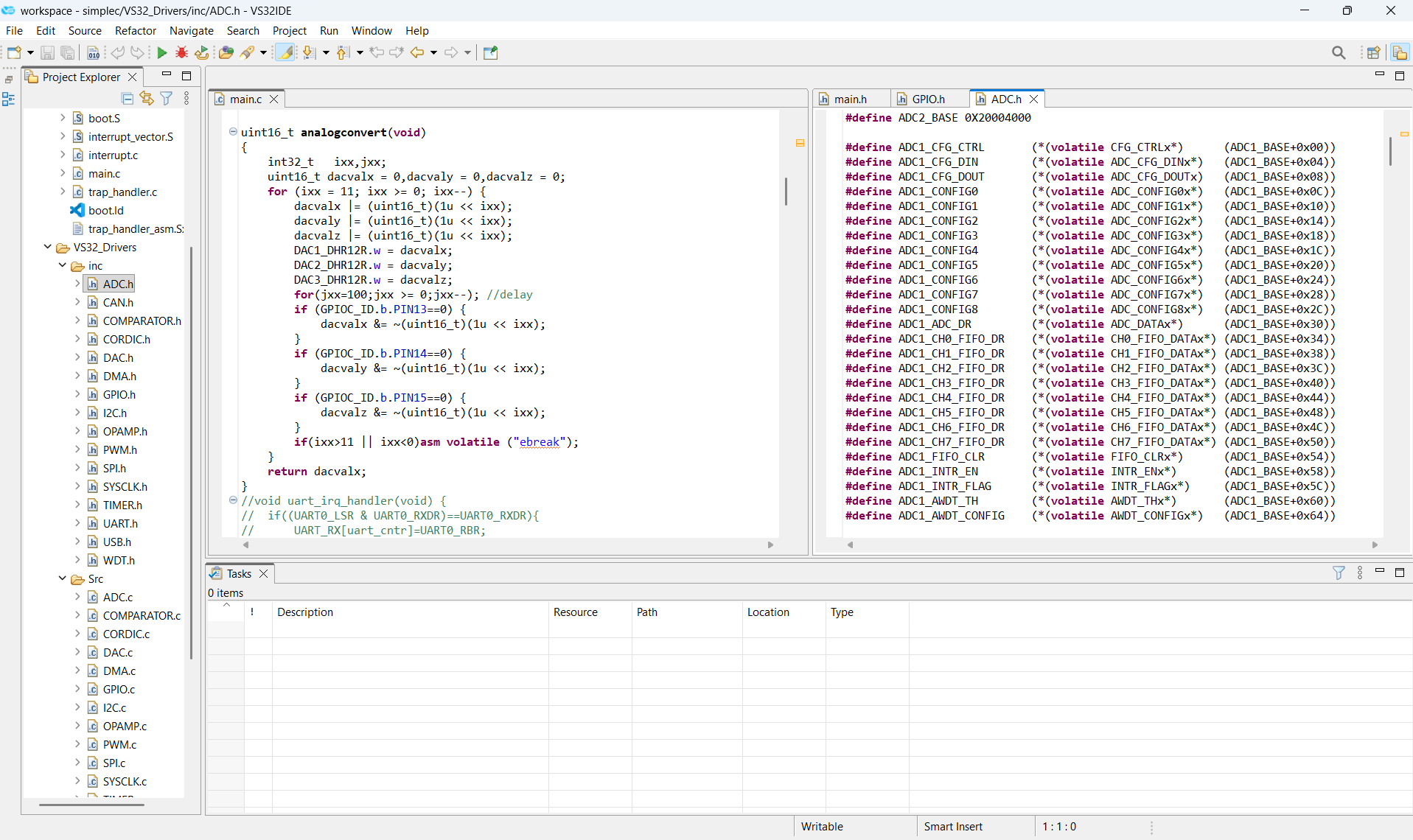
Code Editor
Syntax-highlighted C/C++ editor with project explorer and task view.
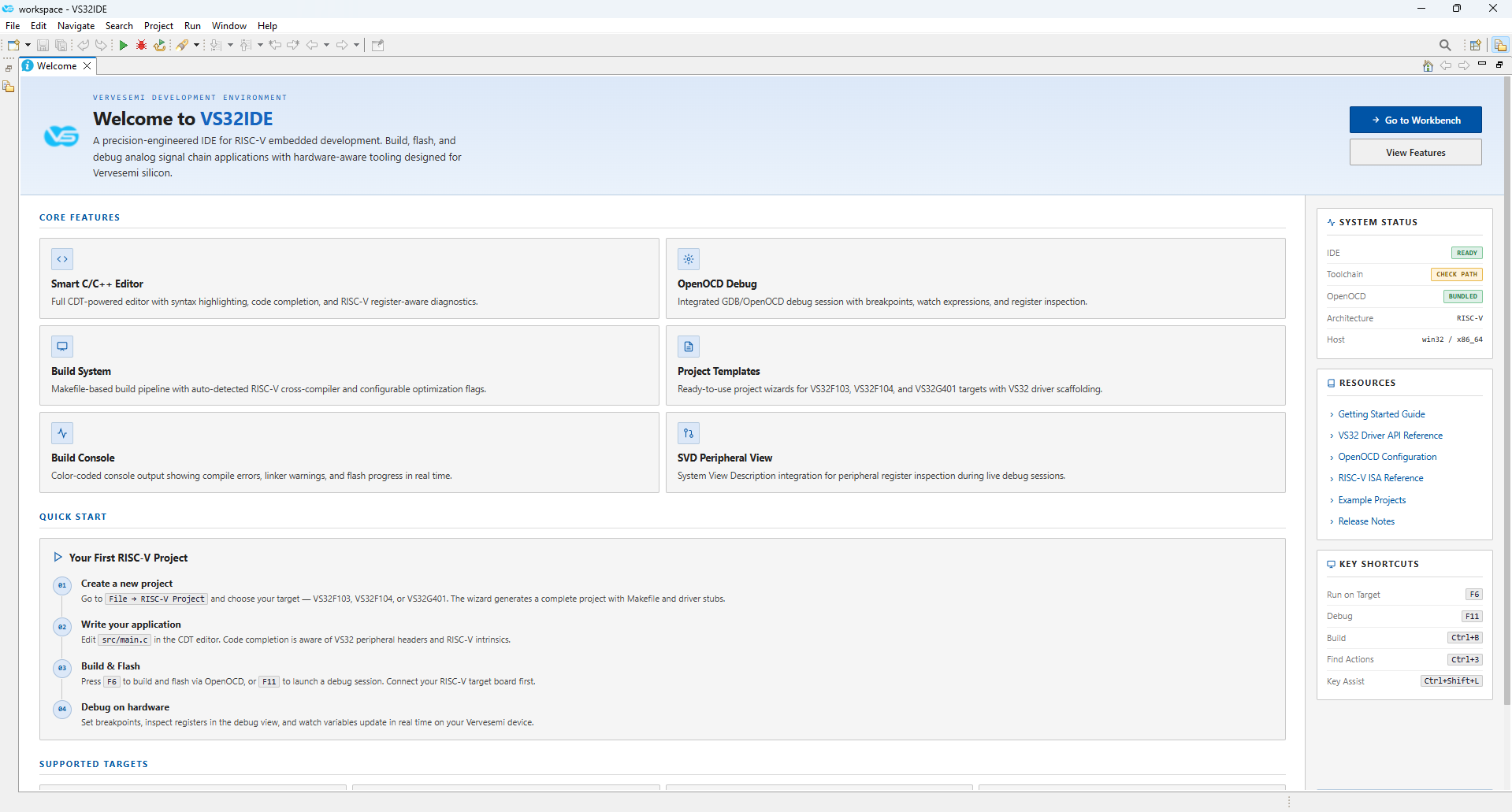
Welcome Screen
Quick-start guide, core features overview, and key shortcuts at a glance.